ZIMRA Fiscalisation Built Into setupERP

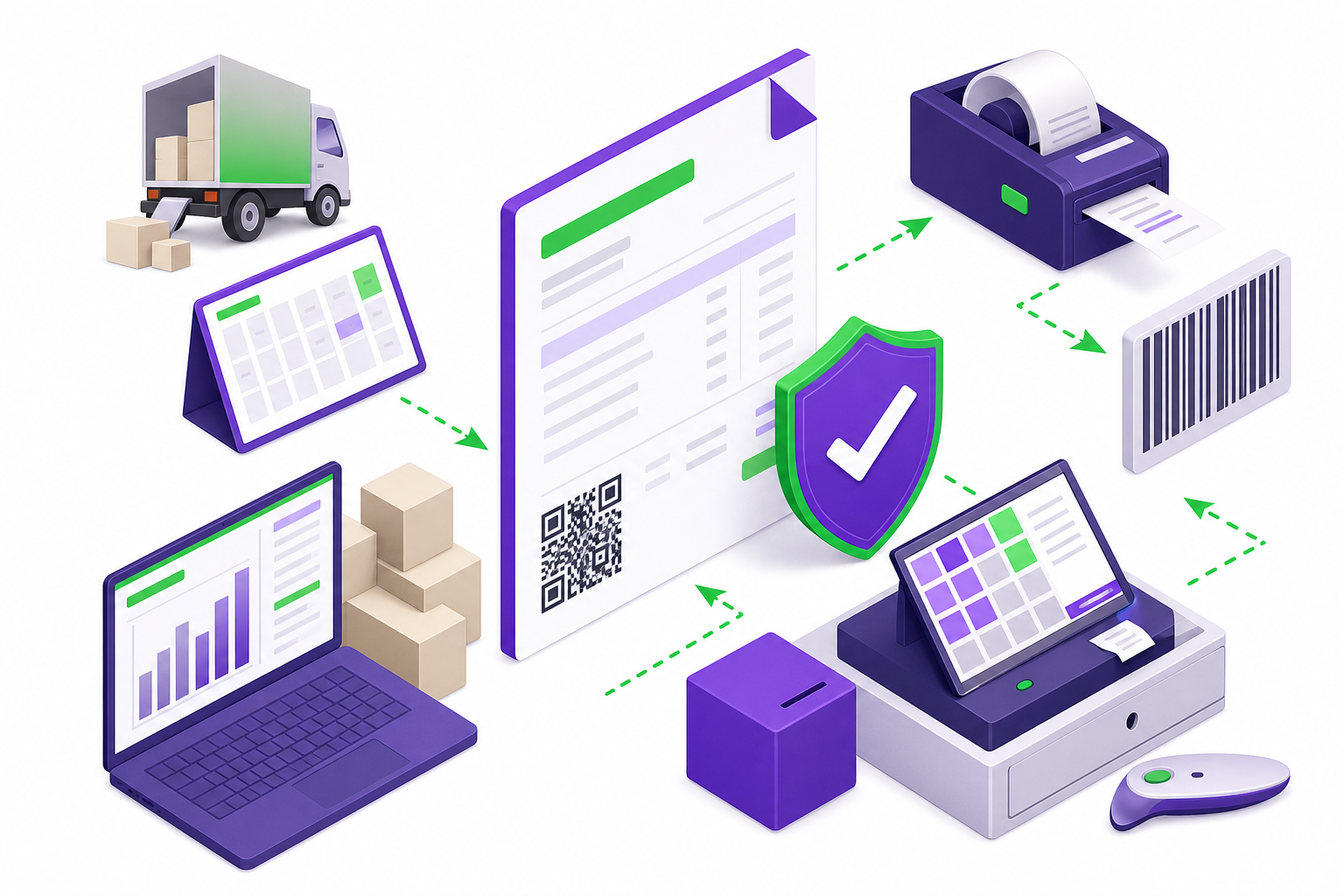
Stay compliant with the Zimbabwe Revenue Authority (ZIMRA) and FDMS from inside setupERP. Our integrated fiscalisation module lets you issue fiscal tax invoices, transmit sales data in real time, and validate receipts — all from the ERP and POS platform you already run your business on.
setupERP built-in ZIMRA fiscalisation for Zimbabwe businesses
Inside setupERP

Built-in ZIMRA Fiscalisation Module

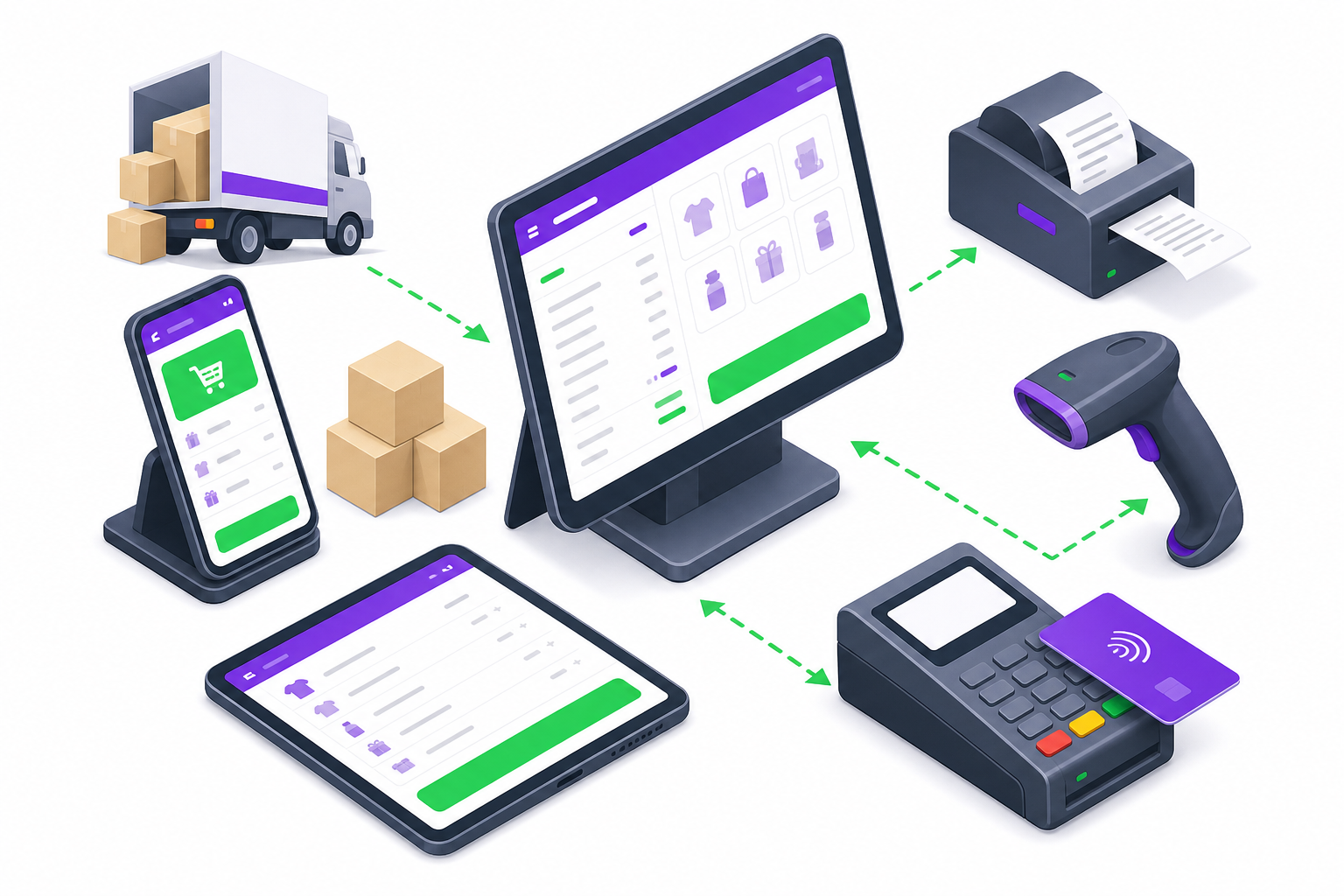
setupERP is more than billing and inventory — it includes a ready-to-use ZIMRA FDMS module. Enable it when you need compliance and fiscalise directly from your sales workflow.
  • Fiscal tax invoices from your normal setupERP checkout
  • Real-time FDMS transmission and QR code validation
  • Buyer details, credit notes, and debit notes
  • One platform for ERP, POS, and ZIMRA compliance
setupERP ERP and POS with built-in ZIMRA module

What Is ZIMRA Fiscalisation?

According to ZIMRA, fiscalisation is the configuration of fiscal devices or software to record and transmit sales and tax information to ZIMRA servers at the time of sale. This data supports VAT administration through the Fiscalisation Data Management System (FDMS).

All VAT-registered operators must fiscalise and interface with FDMS. With setupERP, you meet those requirements from inside your ERP — sales, stock, and compliance in one place.

Why FDMS Compliance Matters

  • Only valid fiscal tax invoices qualify for VAT input tax claims
  • Non-compliant invoices cannot support income tax deductions
  • Invoices must validate as VALID on fdms.zimra.co.zw
  • Buyer details must be captured and transmitted accurately
  • QR codes on receipts must match FDMS records

Why Fiscalise Through setupERP?

Combine everyday business operations with ZIMRA compliance — without juggling multiple systems.

Built Into Your ERP

Fiscalise from the same setupERP workflow you use for billing, inventory, and reporting — no separate system to manage.

Fiscal Tax Invoices

Issue invoices that display "Fiscal Tax Invoice" with supplier details, serial numbers, VAT amounts, and verifiable QR codes as required by ZIMRA.

Real-Time FDMS Transmission

Sales and tax data transmit to ZIMRA at the time of transaction — eliminating batch uploads and reducing compliance gaps.

Buyer Details Capture

Capture buyer name, address, TIN, and VAT number when required — aligned with FDMS and Section 20 of the VAT Act.

Credit & Debit Notes

Issue fiscal credit notes and debit notes for returns, corrections, and adjustments while maintaining FDMS compliance.

End-to-End Support

From module setup and FDMS configuration to testing and go-live — our team guides you through every step.

Fiscal Tax Invoice Requirements

A compliant ZIMRA fiscal tax invoice must include the features required under Section 20 of the VAT Act. setupERP helps you meet these requirements:

  • The words "Fiscal Tax Invoice" displayed prominently
  • Supplier name, address, and registration numbers
  • Buyer name, address, TIN, and VAT number (when applicable)
  • Unique serialised invoice number and date of issue
  • Description and quantity of goods or services supplied
  • Currency used and VAT/tax amount charged
  • Verifiable QR code for FDMS portal validation

Virtual Fiscalisation

ZIMRA supports virtual fiscal devices (VFD) where your ERP interfaces directly with FDMS via API. setupERP is built for this — fiscalise inside the platform while you manage sales and inventory.

Discuss your setup

How We Get You ZIMRA Compliant

01

Consult & Assess

We review your business setup, FDMS registration status, and how setupERP fits your sales and compliance needs.

02

Enable the Module

We configure the built-in ZIMRA fiscalisation module in setupERP and connect it to FDMS for your operation.

03

Validate with FDMS

Verify sample invoices on the FDMS validation portal. Ensure QR codes scan correctly and transmitted data matches printed receipts.

04

Go Live

Start issuing compliant fiscal tax invoices from setupERP with ongoing support from our team.

ZIMRA Fiscalisation — Frequently Asked Questions

Answers about ZIMRA FDMS compliance and the built-in fiscalisation module in setupERP.

ZIMRA fiscalisation is the process of configuring fiscal devices or software to record and transmit sales and tax information to the Zimbabwe Revenue Authority at the time of sale. It supports VAT administration through the Fiscalisation Data Management System (FDMS).
FDMS (Fiscalisation Data Management System) is ZIMRA's integrated platform for managing fiscal devices, validating fiscal tax invoices, and receiving transactional data from registered operators in Zimbabwe.
All VAT-registered operators must fiscalise and interface with FDMS to record taxable sales. Other taxpayers may also be required to fiscalise under Section 90 of the Income Tax Act and related regulations. Contact ZIMRA or your tax advisor to confirm your obligations.
A Fiscal Tax Invoice is issued from a fiscal device or FDMS-compatible software. It must display "Fiscal Tax Invoice" prominently and include supplier and buyer details, a unique serial number, date, description of goods or services, quantity, currency, and tax amount — as required under Section 20 of the VAT Act.
Scan the QR code on the printed fiscal tax invoice or validate it on the ZIMRA FDMS portal at fdms.zimra.co.zw. A compliant invoice should display as valid with matching details transmitted to ZIMRA.
It is an integrated ZIMRA FDMS module inside setupERP. You run your business on setupERP and fiscalise from the same sales workflow — no separate fiscalisation system required.
Virtual fiscalisation uses FDMS-compatible software or APIs instead of standalone hardware fiscal devices. setupERP records the sale and interfaces directly with ZIMRA servers — suitable for retailers, SMEs, and multi-branch businesses.
Yes. setupERP includes a built-in module that interfaces with ZIMRA FDMS through approved virtual fiscalisation. You manage sales, inventory, and compliance from one platform.
When a buyer requests a fiscal tax invoice, you must capture buyer name, address, TIN, and VAT number (if VAT registered). These details must appear on the printed invoice and be transmitted to FDMS accurately.
Yes. setupERP supports fiscal credit notes and debit notes for returns, corrections, and adjustments while maintaining FDMS compliance.
No. setupERP includes a built-in ZIMRA module, so you can fiscalise from the same ERP and POS platform you use for sales and inventory.
Non-compliant fiscal tax invoices cannot be used for VAT input tax claims or income tax deductions. The issuer must rectify errors so the invoice validates as valid on the FDMS portal. Our team helps prevent errors through proper configuration, FDMS transmission, and validation workflows.
Timelines depend on your FDMS registration, the software you use, and ZIMRA testing requirements. We guide you through assessment, configuration, test invoicing, and go-live so you can issue compliant fiscal tax invoices as quickly as possible.

Run Your Business and Stay ZIMRA Compliant

setupERP gives you ERP, POS, and built-in fiscalisation in one platform. Talk to our team to get started.

WhatsApp support Click to open WhatsApp and message us. 0772993008